




From task to merged PR
Install the GitHub App, pick your repos, and hand tasks to agents. They clone, branch, and open PRs from their own branches, and main only moves through your own review and merge.



















Built around your review process
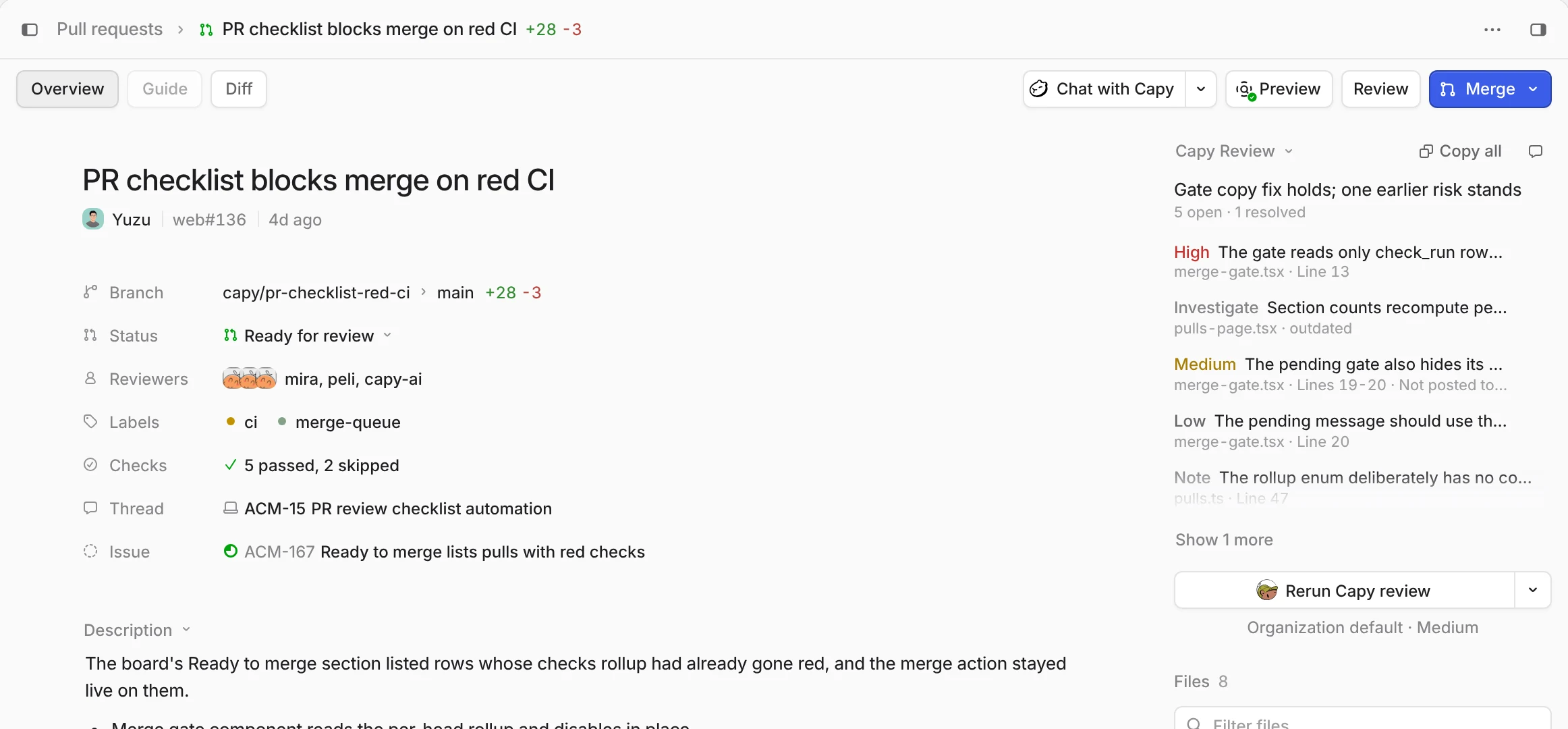
Agents follow the same rules as any engineer on the repo: isolated branches, reviewed pull requests, scoped access.
See Capy code review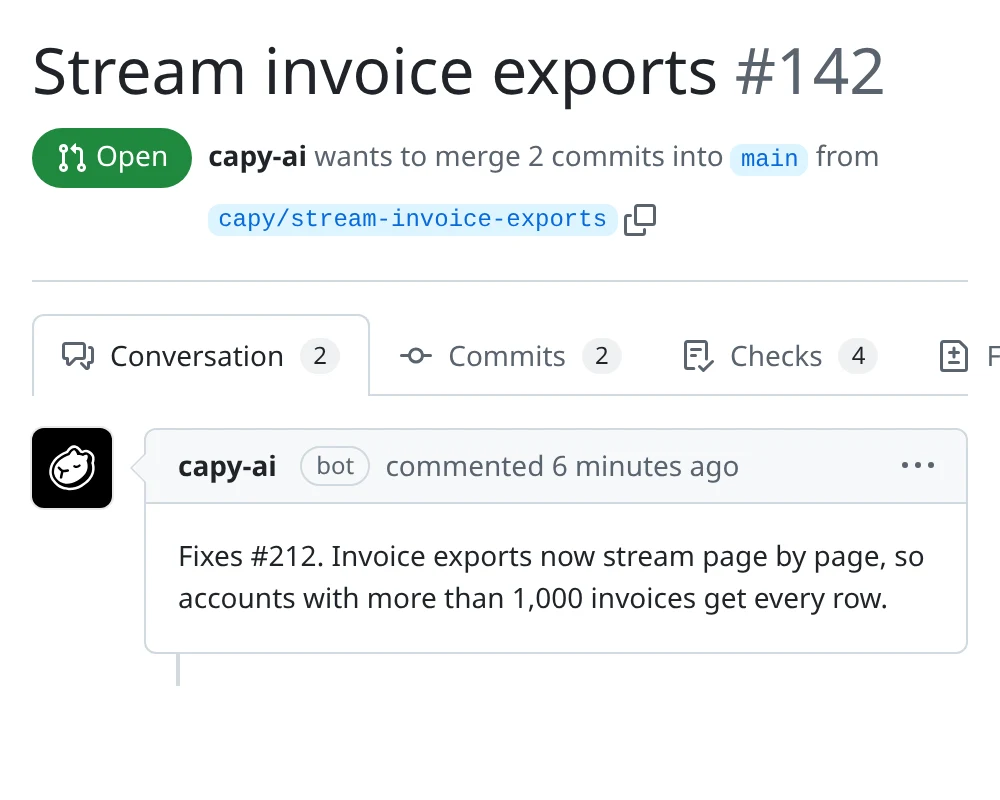
Isolated branches
Each branch is named with your prefix and the PR title, like capy/fix-login-redirect. Agents never push to your default branch.
Reviewed pull requests
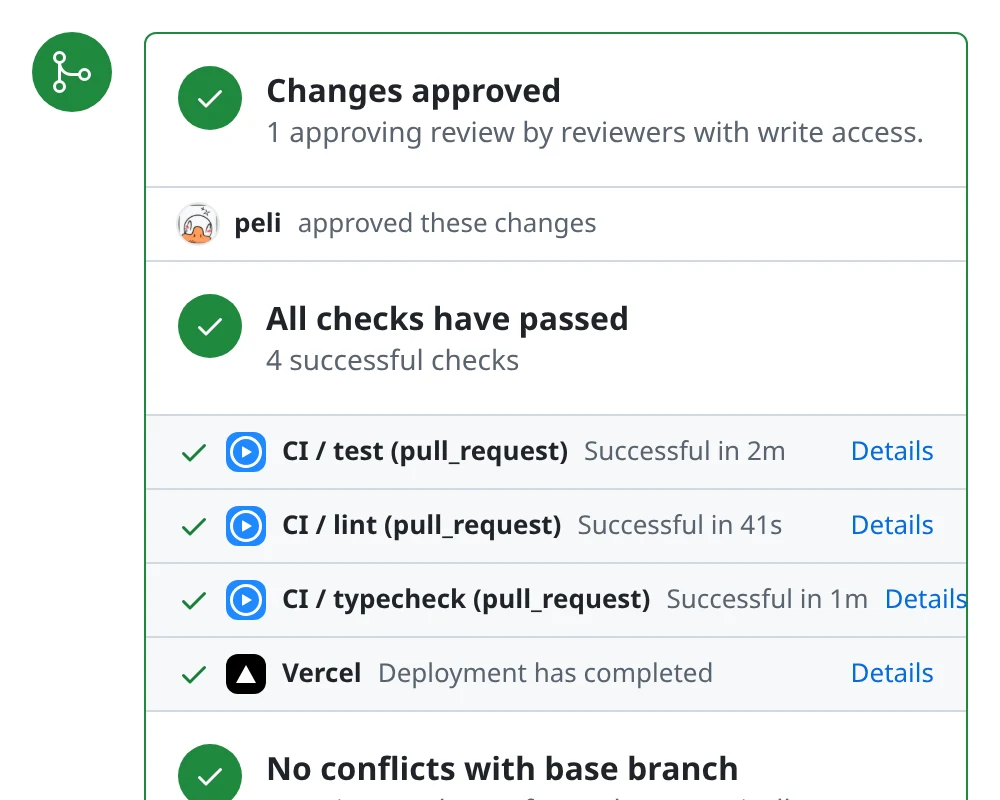
Ask for a pull request and Capy opens it on GitHub, where your CI, checks and reviewers take over.

Talk to Capy on the PR
Mention @capy in any pull request comment or inline review comment, and it reaches the thread that owns the pull request.
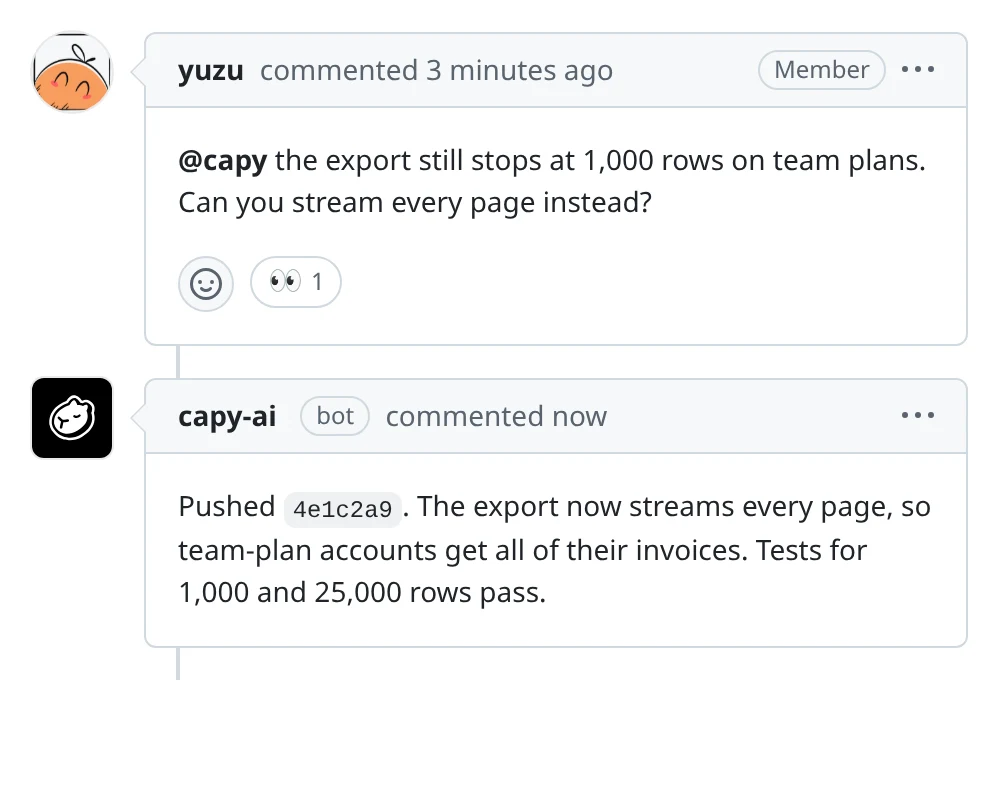
@capy in a comment
Ask for a change where the review happens. Capy reacts with 👀 when it picks up the comment.
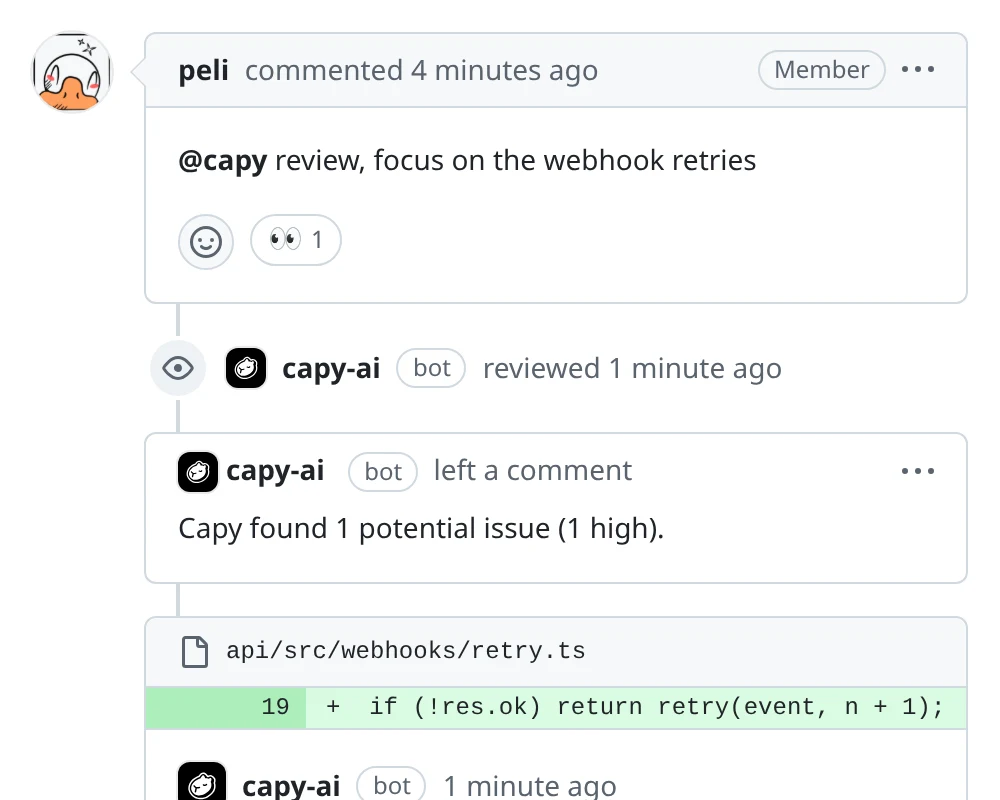
@capy review
Write @capy review with instructions, and Capy reviews the pull request the way you asked.

Commits as you or as Capy
Choose who authors commits, pushes and opens pull requests, and sign what Capy commits as you.
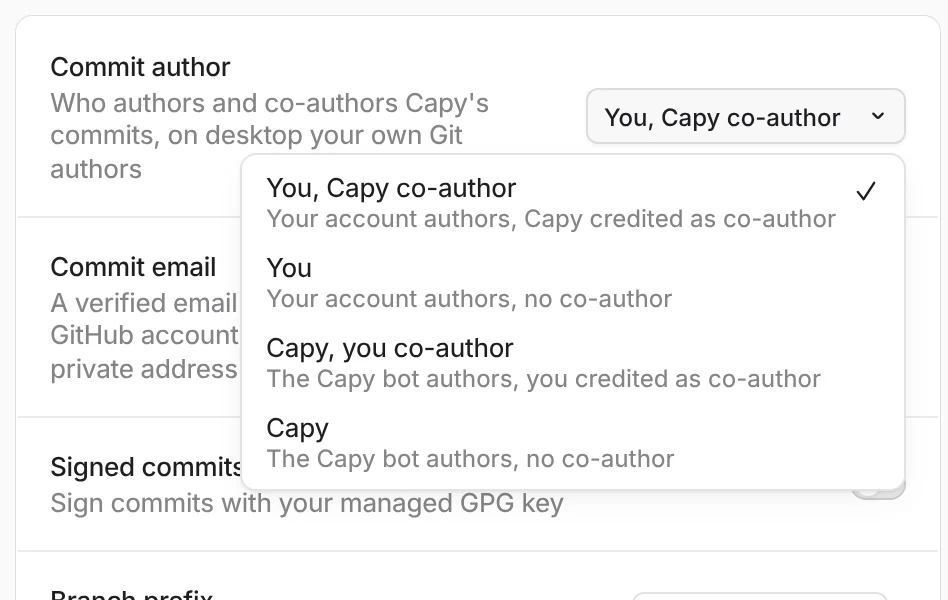
Pick the author
You, Capy, or either one with the other as co-author. Say “open the PR as Capy” to switch one PR.
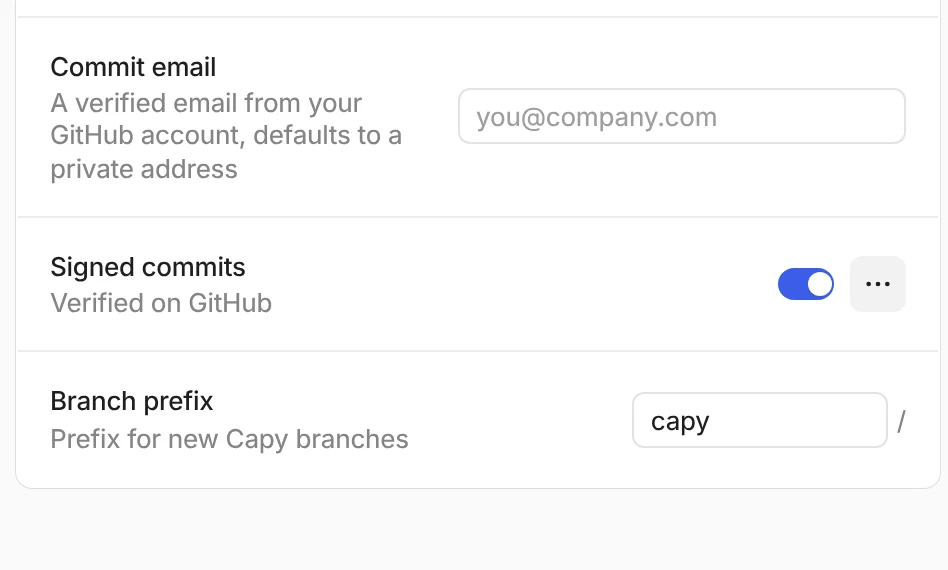
Signed commits
Capy signs commits it authors as you with a managed GPG key. Every branch starts with your prefix.
Install once, pick the repos
Click Connect GitHub in the dashboard, pick your repositories, and the App is in. No tokens, no YAML.
Connect GitHub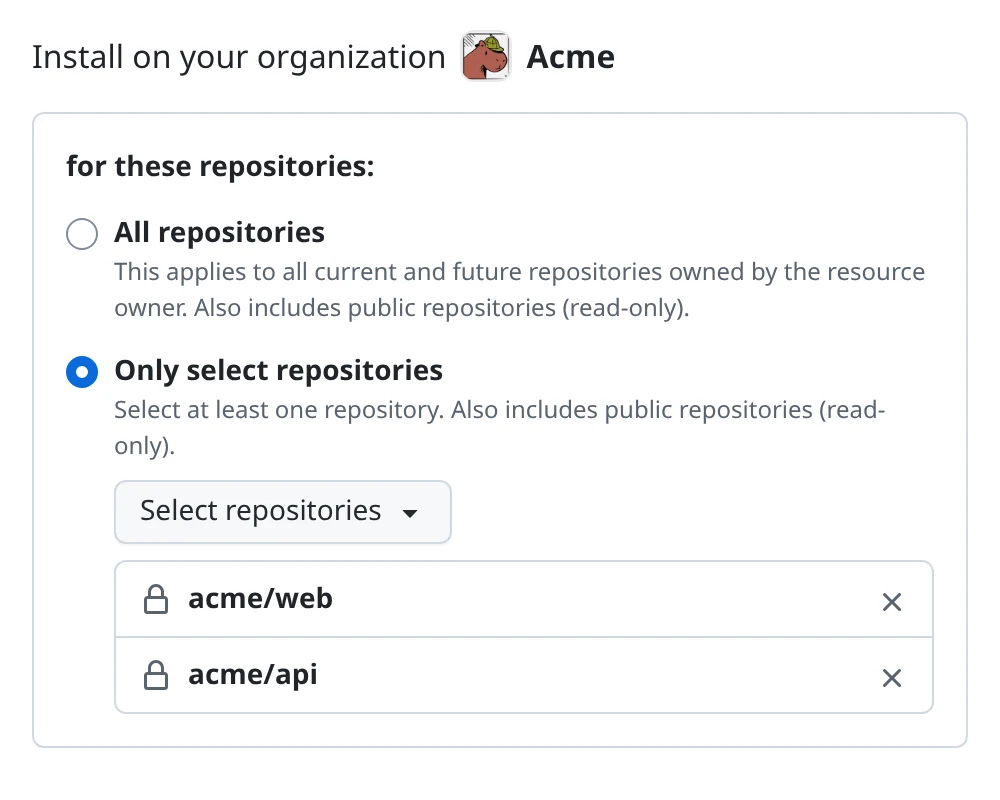
You choose the repositories
Grant specific repos at install and change the list anytime in your GitHub settings.
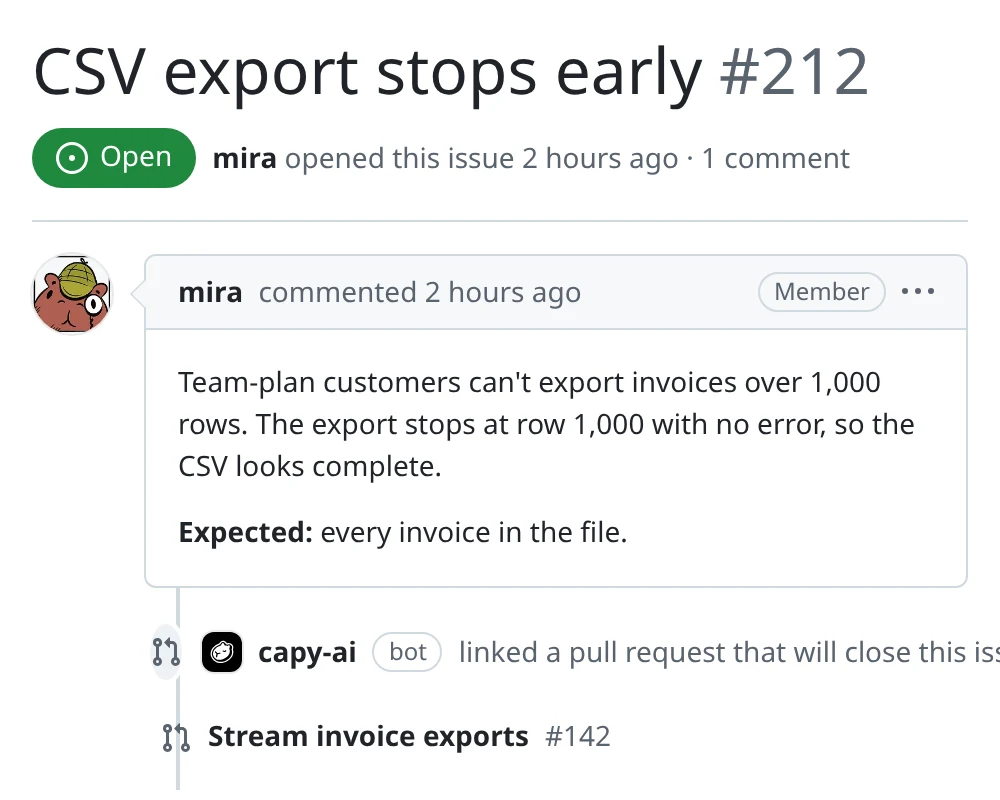
Issues brief the agent
Link a GitHub issue to a task and the agent reads it before writing code, so the change matches the report.

Every account you ship from
One Capy organization can link any number of GitHub organizations and personal accounts, plus your own account.
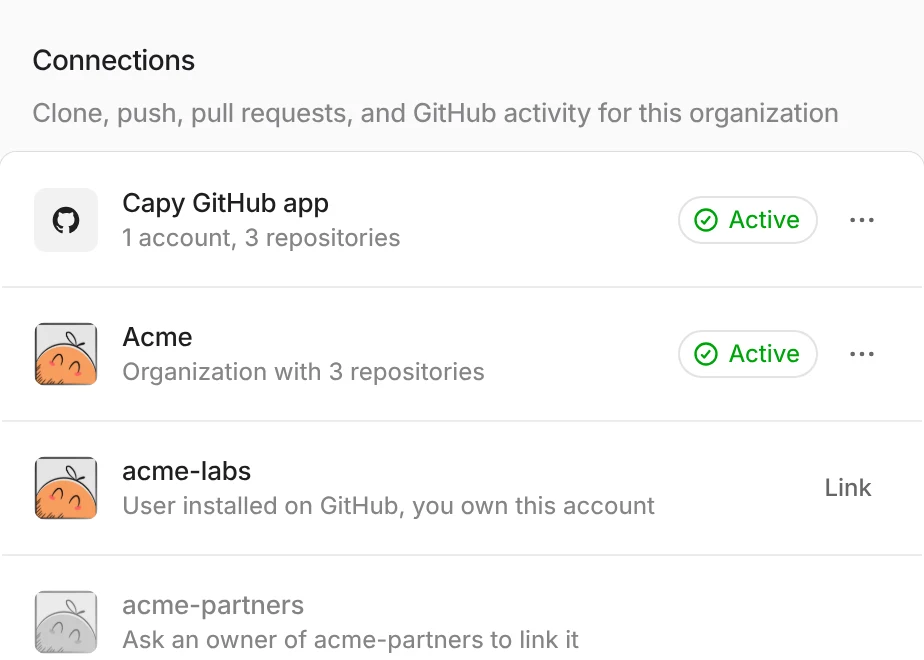
Link more accounts
Install on another account or link an installation that exists. Each one shows under Connections.
No tokens on machines
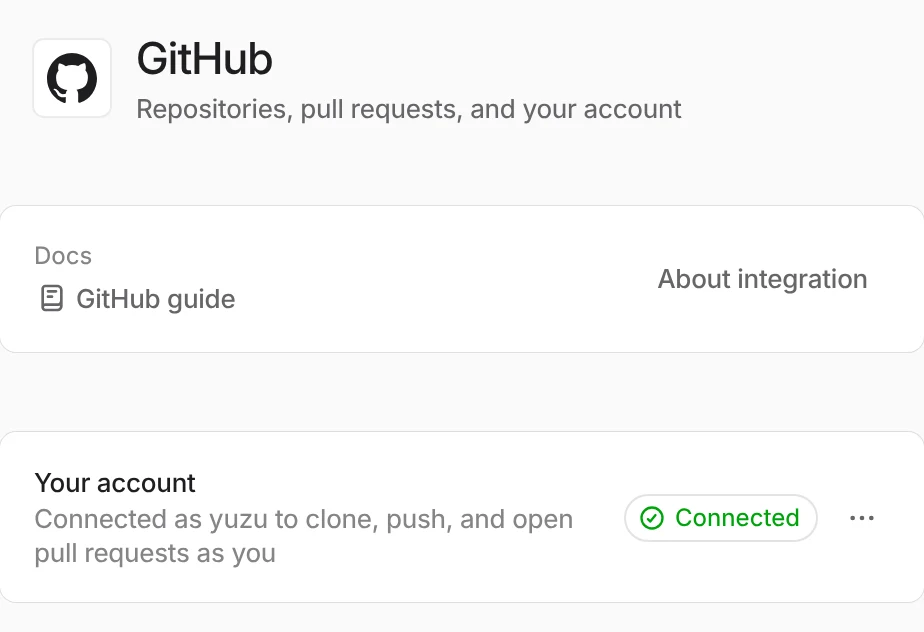
Cloud machines hold no GitHub token, and git and gh work as usual. Connect your account to push as you.

FAQ
Branch rules, repo access, and troubleshooting.
Does Capy push directly to my main branch?+
Can I limit which repos Capy can access?+
What if my repo doesn't appear in Capy?+
What if a push fails?+
How does a task become a merged PR?+
Does Capy read GitHub issues?+
Which permissions does the GitHub App request?+
Who authors the commits and pull requests?+
Why didn’t Capy answer my @capy comment?+
Does Capy work with GitHub Enterprise Server?+
Connect GitHub and start shipping
One install. Agents take the branches and PRs; you keep the review.