




Secure by default

Every cloud thread runs on its own isolated machine with no GitHub token on it, and the agent never sees a secret's value. SOC 2 Type II, audited every year.

Builder capybara

ISOLATION

Every thread runs on its own machine, and no long-lived credential reaches it.

How machines work
Capy assembling a stack of machines

One machine per thread

Each thread runs in a Firecracker microVM with its own kernel, or on your computer.
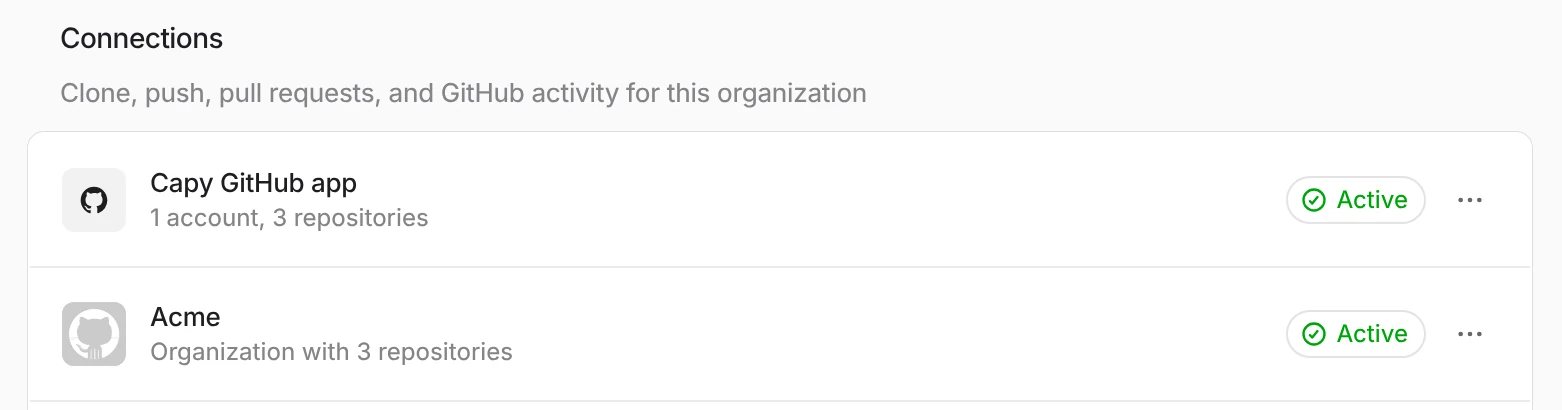
The GitHub integration in Capy settings, connected through the Capy GitHub app

No GitHub token

Cloud machines hold no GitHub token. Review machines can read but never push.
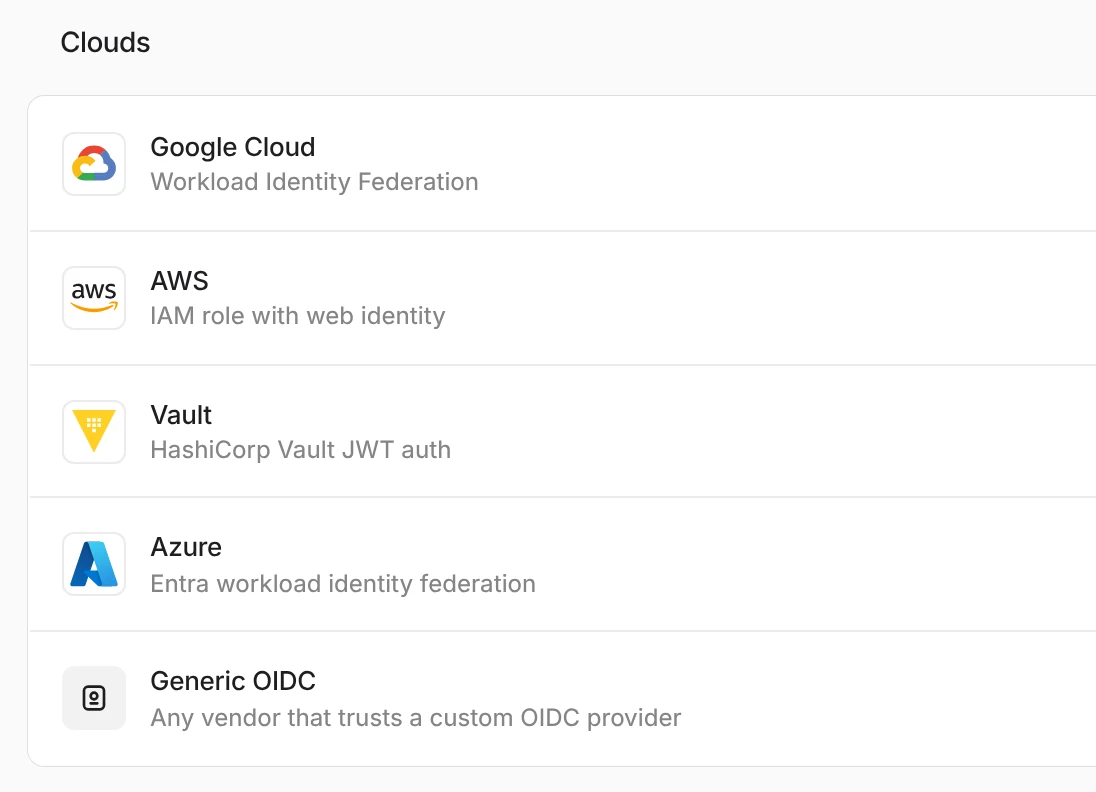
Cloud credentials in Capy settings: Google Cloud, AWS, Vault, Azure and generic OIDC

Short-lived cloud access

OIDC tokens for AWS, Google Cloud, Azure and Vault, with no keys stored.

Capybara

YOUR DATA

Your code, secrets and model keys stay under your control.

Security docs

No training

No training on your non-public code or chats unless you opt in. Zero retention on request.
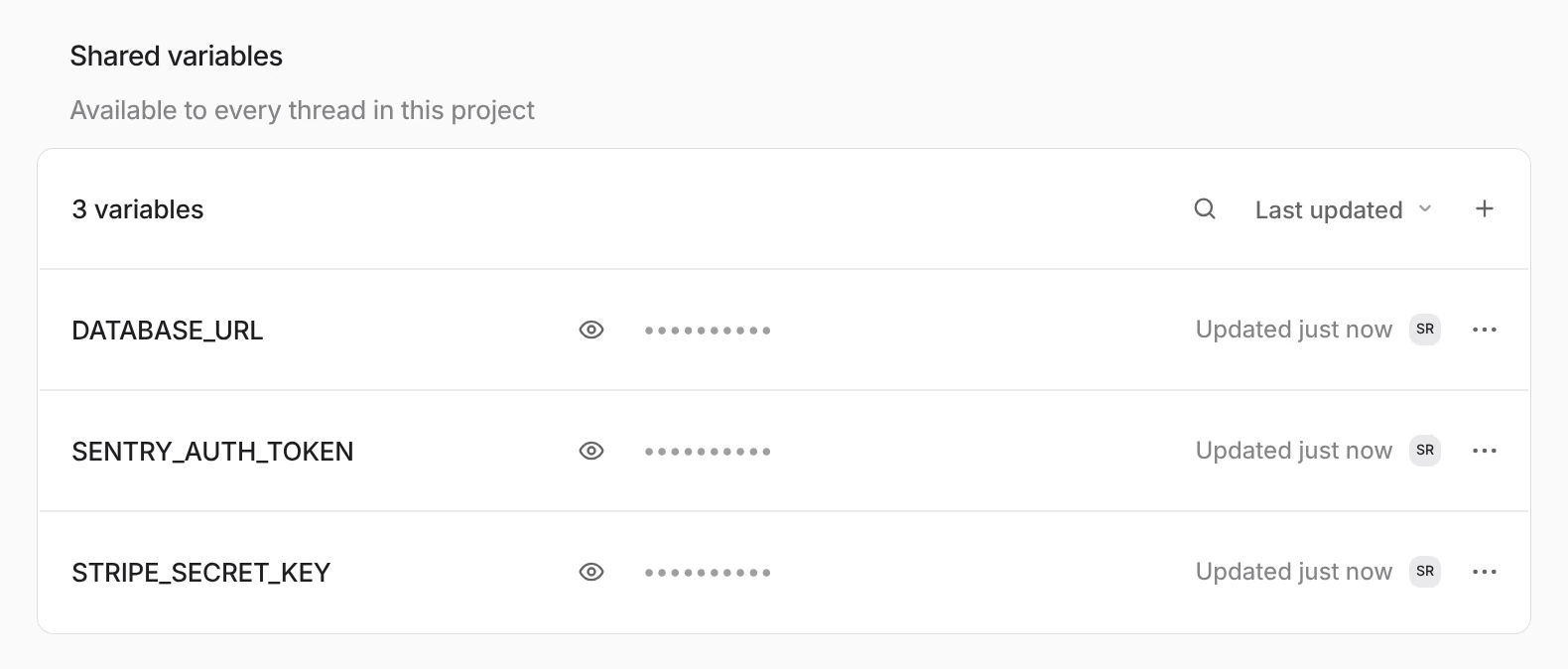
Shared environment variables in a Capy project, every value hidden

Sealed secrets

Values are encrypted at rest, and the agent sees each name, never the value.

Your own keys

On your own model key, requests run under your agreement with the provider.

Access card

ACCESS

Decide who signs in, who changes settings and who sees each thread.

Who can see what

SSO and MFA

SAML or OIDC SSO with Okta, Entra ID or Google Workspace, and required MFA.
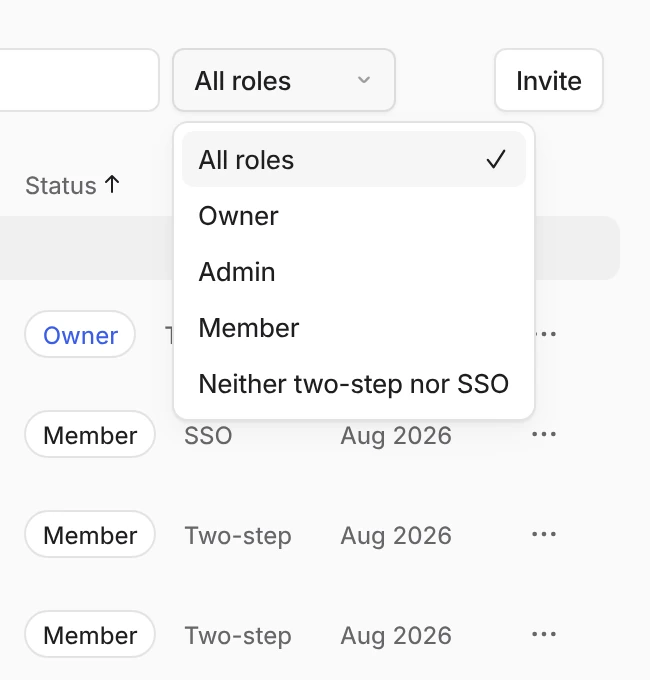
Capy members filtered by role: owner, admin or member

Roles

Owner, admin and member roles. Admins manage members, integrations and settings.
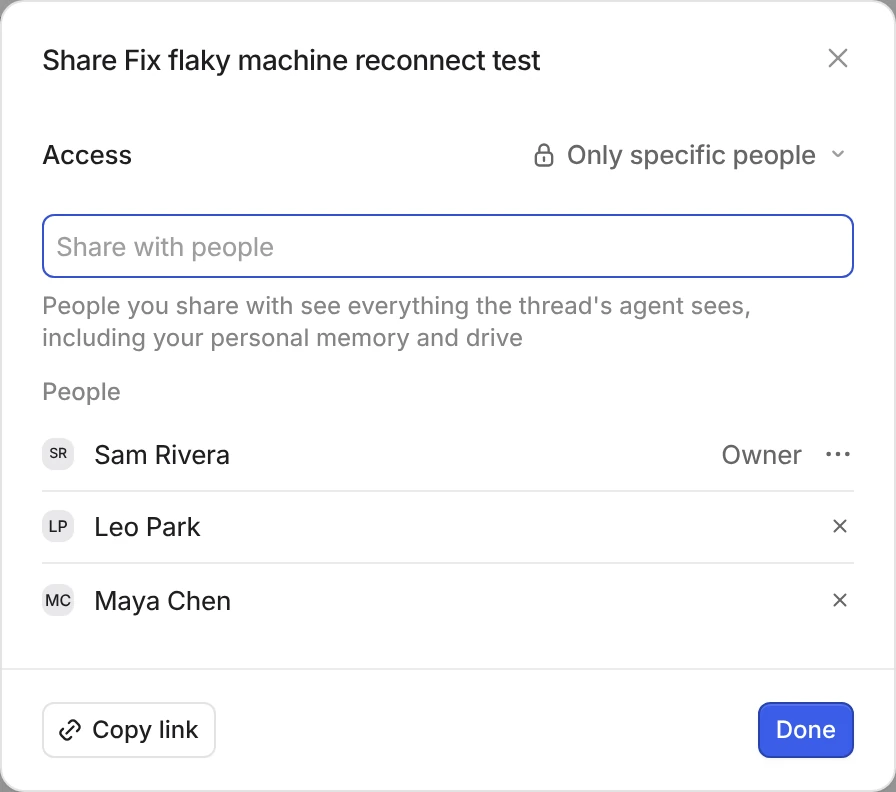
The Share dialog on a Capy thread set to Only specific people

Private work

Make a thread, Captain or project private to only the people you pick.

Pelican

COMPLIANCE

Independently audited every year. Request the report or read the agreements below.

Visit the Trust Center
AICPA SOC 2 medal
SOC 2 Type II
Audited and pen tested every year
Request the report
DPA
Covers business customers
Read the DPA
Subprocessors
30 days' notice before a new one
See the list
Incidents
Notice within 72 hours where feasible
Model training
None on your non-public code unless you opt in
Privacy Policy
Encryption
TLS in transit, encrypted at rest, secrets also with AWS KMS

Briefcase

ENTERPRISE

A security review call with our team, custom terms and support backed by an SLA.

Book a demo
1,000
60,000

24/7 Support

24/7 support from the engineers who build Capy, in Slack Connect and backed by an SLA.

Capy on a cloud holding a key

Your cloud

Run Capy in your own cloud on request. Reach private services over Tailscale.

Scientist capybara

REPORT A VULNERABILITY

Email security@capy.ai with steps to reproduce. Don't access other customers' data or disrupt the service. We aim to acknowledge reports quickly.

Email security@capy.ai

FAQ

FAQ

Common questions about security at Capy.

Is Capy SOC 2 compliant?+
Yes. Capy is SOC 2 Type II compliant. Our controls are independently audited for security, availability, and confidentiality, and the report is available from our Trust Center at trust.capy.ai.
How does Capy handle AI provider data?+
Capy routes prompts, code context, files, logs, screenshots, and generated output to model providers only as needed to provide selected AI features. Capy does not use non-public Customer Content to train models that Capy develops or controls unless you explicitly opt in or separately agree in writing. Third-party model-provider processing is subject to the applicable provider’s terms, policies, configurations, and data-processing commitments.
Where is my data processed?+
Capy and its subprocessors may process data in the United States and other countries depending on the feature, provider, model, and integration you use. See the Privacy Policy and Subprocessors page for details.
How do I report a security vulnerability?+
Email security@capy.ai. Please include enough detail to reproduce the issue and avoid accessing other customers’ data or disrupting the service.
Does Capy hold a GitHub token on its machines?+
No. Cloud machines hold no GitHub token, and git and gh work normally on them through Capy’s git proxy. Machines that run reviews can read but can’t push. Threads on your own computer use that computer’s git credentials.
Can Capy merge our pull requests?+
Capy’s instructions tell it never to merge a pull request or turn on auto-merge unless you ask for that merge in the current conversation. Repository rules and AGENTS.md files can’t change that rule.
Which identity providers work with SSO?+
Okta, Microsoft Entra ID, Google Workspace, or any SAML or OIDC provider. Admins can also require MFA for every member.
Can the agent read our secrets?+
The agent sees each environment variable’s name and whether it has a value, never the value. Code it runs on the machine can read the variables, so give it revocable credentials scoped to the job.

Add Capy to your team

Hand Capy a task from Slack, Linear or the app, and get back a pull request ready to merge.